
Your signature.
A size that fits.
Set the width, height and maximum KB for a signature image. Preview a white-background JPG before downloading.
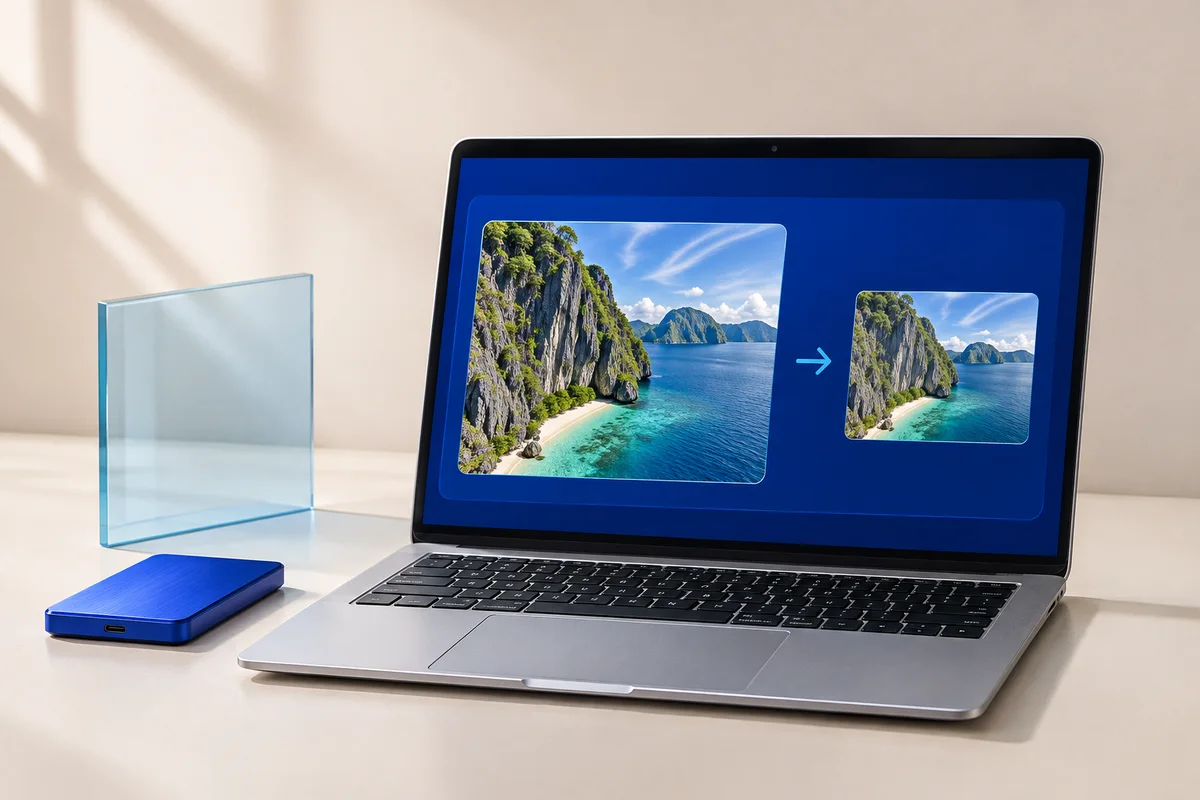 YOUR IMAGE. YOUR DEVICE.
Signature Resizer
Processed in your browserYour image is ready.
One less thing
to fiddle with.
Forms often ask for both exact pixel dimensions and a maximum file size. This tool keeps your signature proportions inside the chosen rectangle, adding white padding instead of stretching it. Optional margin trimming removes near-white outer borders; it does not remove a colored or textured background.
- Choose a clear image of your signature.
- Enter the pixel width, height and maximum file size required by your form.
- Create the JPG, check that every stroke is visible, and download.
Small questions.
Clear answers.
Will this meet every application form’s rules?
No. Each form sets its own requirements. Enter its current dimensions and maximum size, and check any minimum size, format, background or ink requirements yourself.
Will the signature be distorted?
The aspect ratio is preserved. White padding fills any unused area of the output rectangle.
Can it make a file exactly 20KB?
It targets a maximum of 20,000 bytes when you choose 20KB. It does not pad files to a minimum size. A result smaller than the limit is normal.
What if the requested KB limit is too small?
The tool shows an error instead of offering an oversized download. Reduce the pixel dimensions if your form allows it, or increase the KB limit.
Are my files or text uploaded?
No. The tool processes your input in this browser and does not send it to our server or save it in persistent browser storage. The website host still receives normal page requests. See our privacy notice for details.